 Revive
Colorize old family photos
and bring the memory back.
Revive is a Google Drive™ add-on that colorizes old black-and-white family photos — grandparents' portraits, wedding day snapshots, childhood summers. Drop your scans in a Drive folder, click Colorize once, and warm, natural color comes back to the whole album. Your originals are never touched.
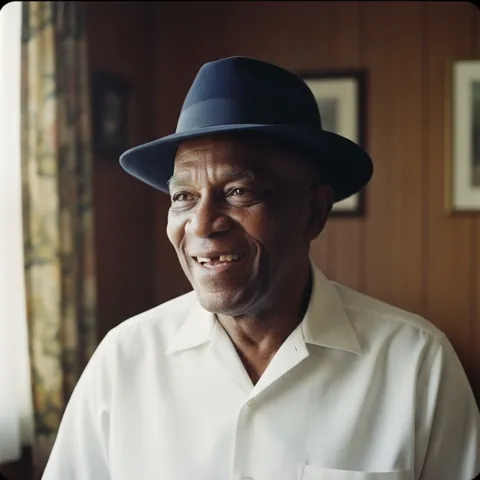 BeforeRevived
The whole shoebox, back in color.
Old albums aren't one photo — they're hundreds. Revive is built to colorize black-and-white family photos by the folder, gently and all at once.
A whole album at once
Point Revive at your scanned-photos folder and it colorizes every image inside — 1, 100, or 10,000. Sub-folders are kept intact, so "Grandma's box" stays organized exactly as it was.
Originals never touched
Revive never edits your scans. Each colorized version is saved as a new copy — photo-color.jpg — right beside the original in the same folder. The black-and-white keepsake stays exactly as it is.
About $9 for 100 photos
Pay per photo, no subscription. A 100-image album is $9 on the Basic pack. Credits never expire, and any photo that fails to process is automatically refunded.
Only the files you pick
Revive only ever accesses the photos you select — a narrow drive.file scope, nothing else in your Drive. Color copies land right beside your originals, which are never modified.
Grey becomes gold.
Portraits, gardens, front porches, keepsakes. Scroll and watch the color return — the same way it does in your Drive.



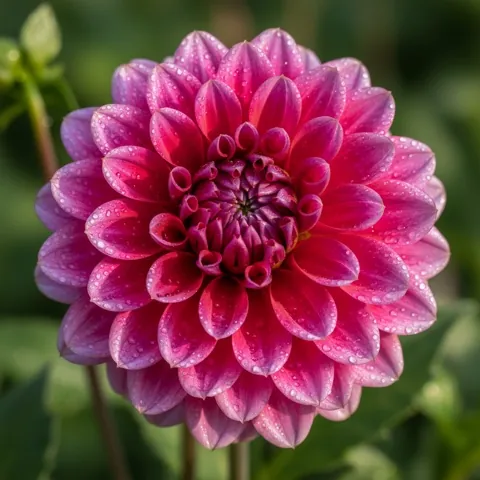


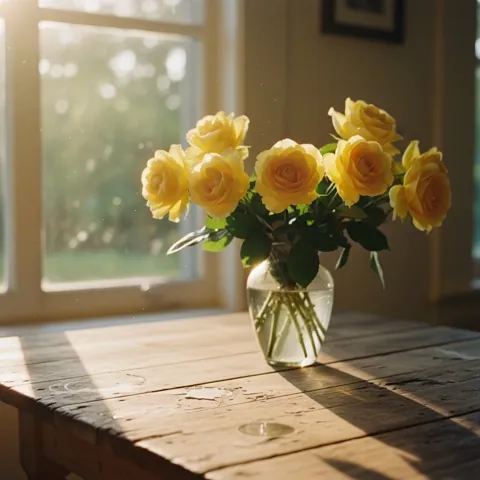
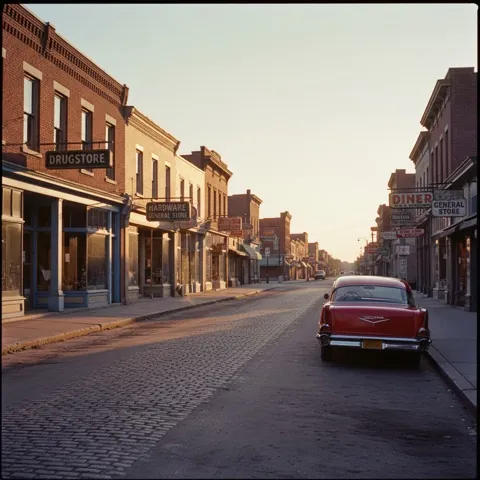
Priced for real albums. No subscription.
1 image = 1 colorized photo. A single shoebox is $9; a lifetime of albums, a little more. Credits never expire, so you can come back to the next box whenever you're ready.
Before you colorize Grandma's box.
Will colorizing change or damage my original photos?
No. Revive never modifies your originals. For each black-and-white scan it creates a brand-new color copy, saved as filename-color.jpg in the same Drive folder as the original. The original file stays exactly as it was, so your keepsake scan is completely safe.
Can I colorize a whole folder of family photos at once?
Yes — that's what Revive is built for. Open the side panel in Google Drive, pick a folder (or several), and click Colorize. Revive processes every image inside, keeps your sub-folders intact, and drops a color copy beside each photo. It handles 1 photo or 10,000, at roughly 50–100 ms each, so about 1,000 photos finish in around a minute.
How much does it cost to colorize an old album?
You pay per photo, with no subscription. A 100-photo album is $9 on the Basic pack ($0.09 each), and larger packs cost less per image — down to about $0.065 on Enterprise and 5¢ with custom volume. Credits never expire, and any photo that fails to process is refunded automatically.
What happens to my photos when I colorize them?
Revive reads the photos you select from your Drive, colorizes them, and writes the color copies back into the same folder, named filename-color.jpg. Your originals are never modified, and Revive can only access the files you explicitly pick (narrow drive.file scope).
What kinds of scanned photos can I use?
Revive accepts JPG, PNG, HEIC, TIFF, and WebP, so most phone scans and flatbed scans work as-is. The colorized result is saved as a JPEG. You can start free with 3 photos and no credit card to see how your own scans look before buying a pack.
See their faces in color.
Pick three old family photos in Google Drive and click Colorize. Your first three Revives are free — no card, no commitment. Then bring back the whole box.