 Revive
Bringing photos back to life, one guide at a time.
Practical guides, real use cases, and honest pricing for colorizing black-and-white photos at scale, right inside Google Drive™.
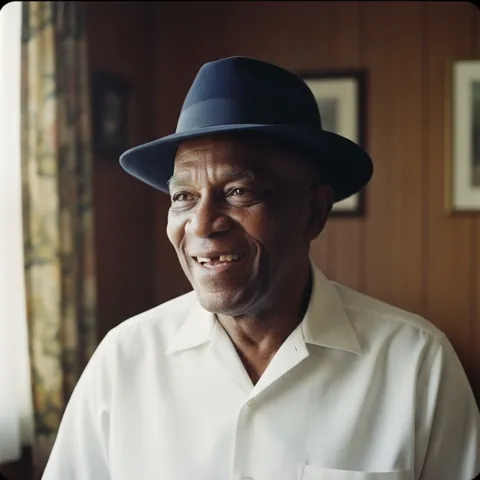
How to Restore and Colorize Old Family Photos
A box of faded black-and-white photos, a Drive folder, and a few clicks. The whole restore-and-colorize workflow, start to finish.
Read the guide →
How to Colorize Black-and-White Photos in Google Drive
Install the add-on, open the side panel, pick your files, click Colorize. The complete Drive-native walkthrough.
Read the guide →
Bulk Photo Colorization: Color 1,000 Photos at Once
Point Revive at a folder and colorize the whole thing. How batch colorization works, and what a thousand photos really costs.
Read the guide →
A Family Historian's Guide to Colorizing a Genealogy Archive
Bring your ancestors' portraits back to life, branch by branch, without ever touching the originals.
Read the guide →
Colorizing Museum and Library B&W Collections at Scale
Process entire collections by folder inside your own Google Drive — originals untouched, color copies written back beside them, with a full usage audit.
Read the guide →
AI vs Manual Photo Colorization: Speed, Cost, Quality
Milliseconds and pennies versus hours and hundreds. When AI colorization wins, and when a human retoucher still does.
Read the guide →
How Much Does It Cost to Colorize Photos? (2026 Guide)
Pay-per-photo, no subscription, from 9¢ down to 6.5¢. A plain-English breakdown of what colorizing your photos costs.
Read the guide →
Are Your Photos Safe? Drive-Native Colorization Explained
You stay in control: Revive only touches the files you pick, leaves your originals untouched, and writes the color copies back into your own Drive.
Read the guide →Scanning Old Photos: Best Formats and Settings
Resolution, file format, and foldering choices that make the difference before you colorize a single frame.
Read the guide →
From Shoebox to Slideshow: Colorize an Album in an Afternoon
One rainy afternoon, one shoebox of memories, and a family slideshow in color by dinner.
Read the guide →